Instant Search & Filter
Filter and sort your collection in real-time by director, actor, genre, release year, rating, or date added.
TropoCine is a free software film collection manager. Synchronize your films from TMDB, explore directors and cast members, and navigate your film library with ease.
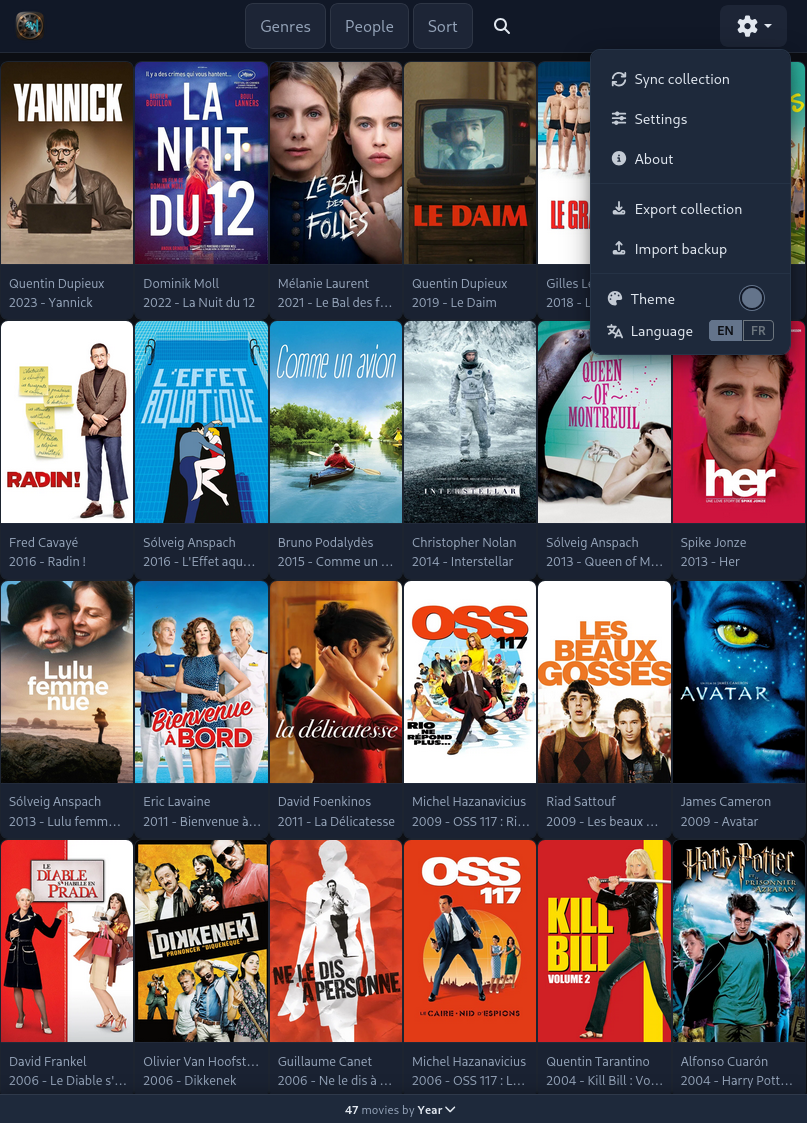
A responsive, modular manager built for movie lovers and large film collections.
Filter and sort your collection in real-time by director, actor, genre, release year, rating, or date added.
Proxy architecture with Apache/Nginx. Personal API tokens and credentials are never exposed to client browsers.
A clean NPM workspace monorepo separating UI components, state management, cache, and data plugins.
Export and restore full collection archives with metadata and cover artwork in portable ZIP packages.
A fast, tactile, and modern interface designed to put your movie collection at your fingertips.
Virtual grid browsing with quick access to search, sync, and themes.
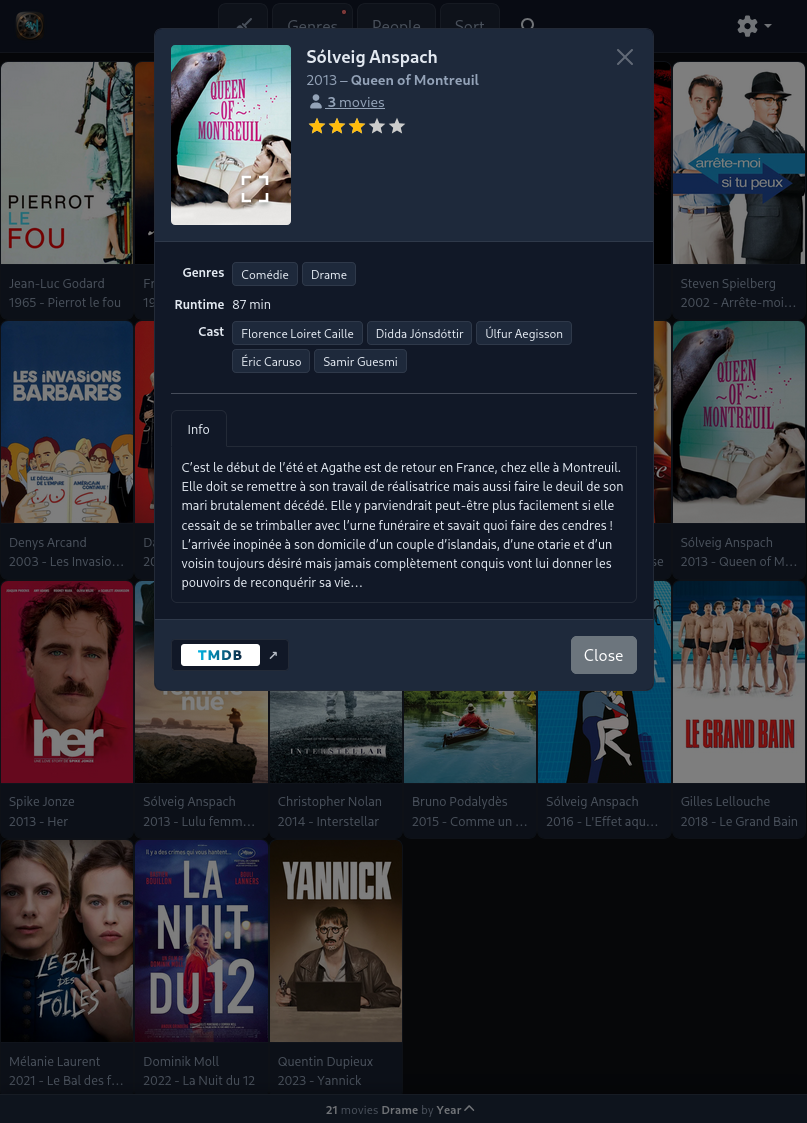
Poster gallery, director, clickable cast, genres, and synopsis.
Live multi-criteria filtering by directors and cast members.
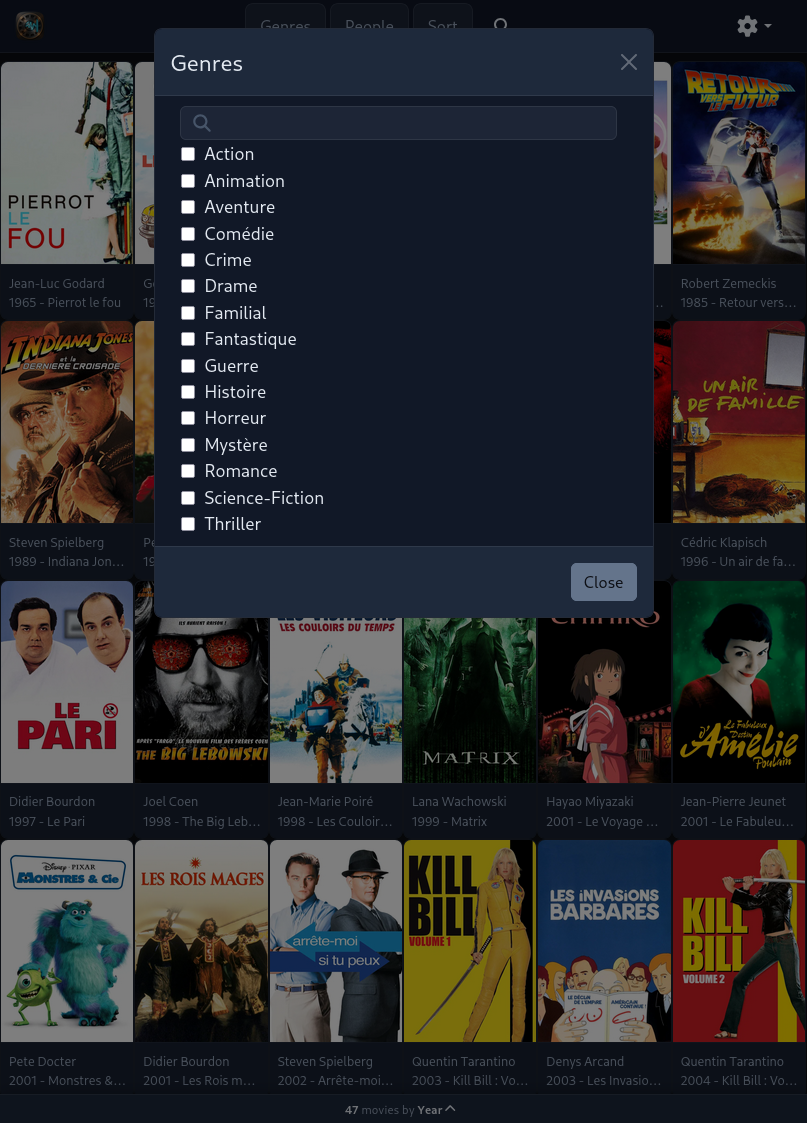
Filter your collection instantly by cinematic genres.
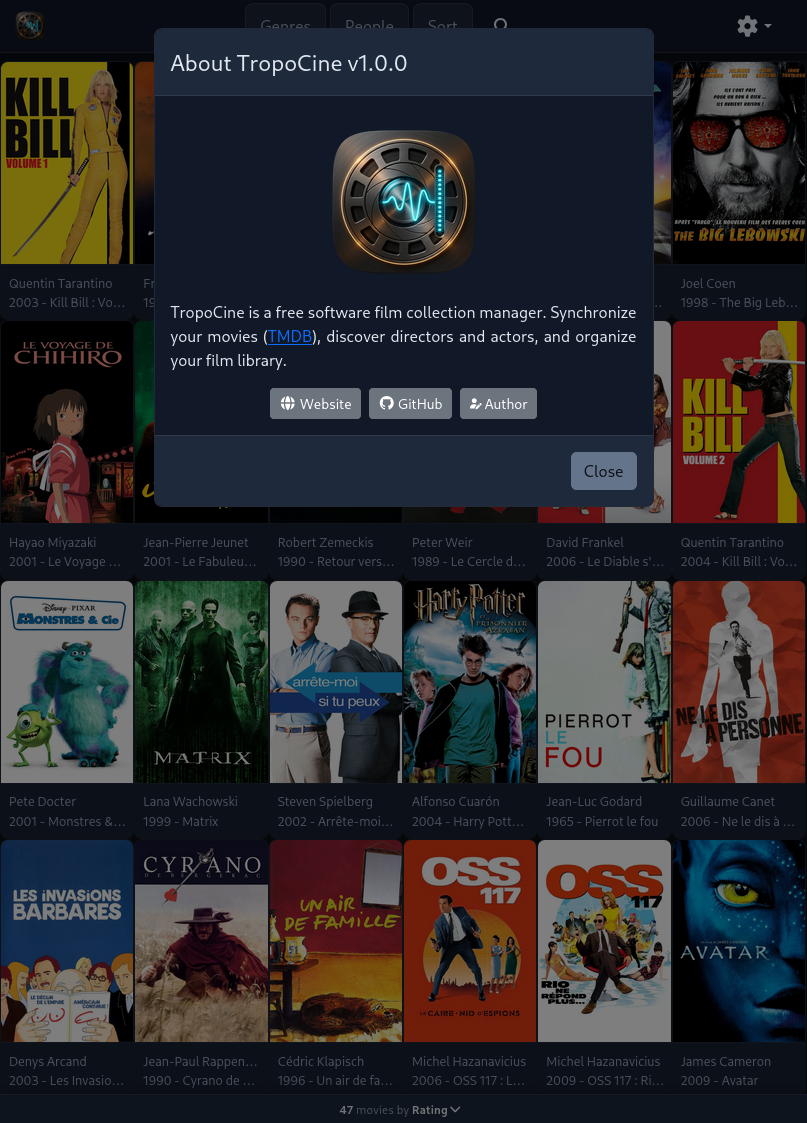
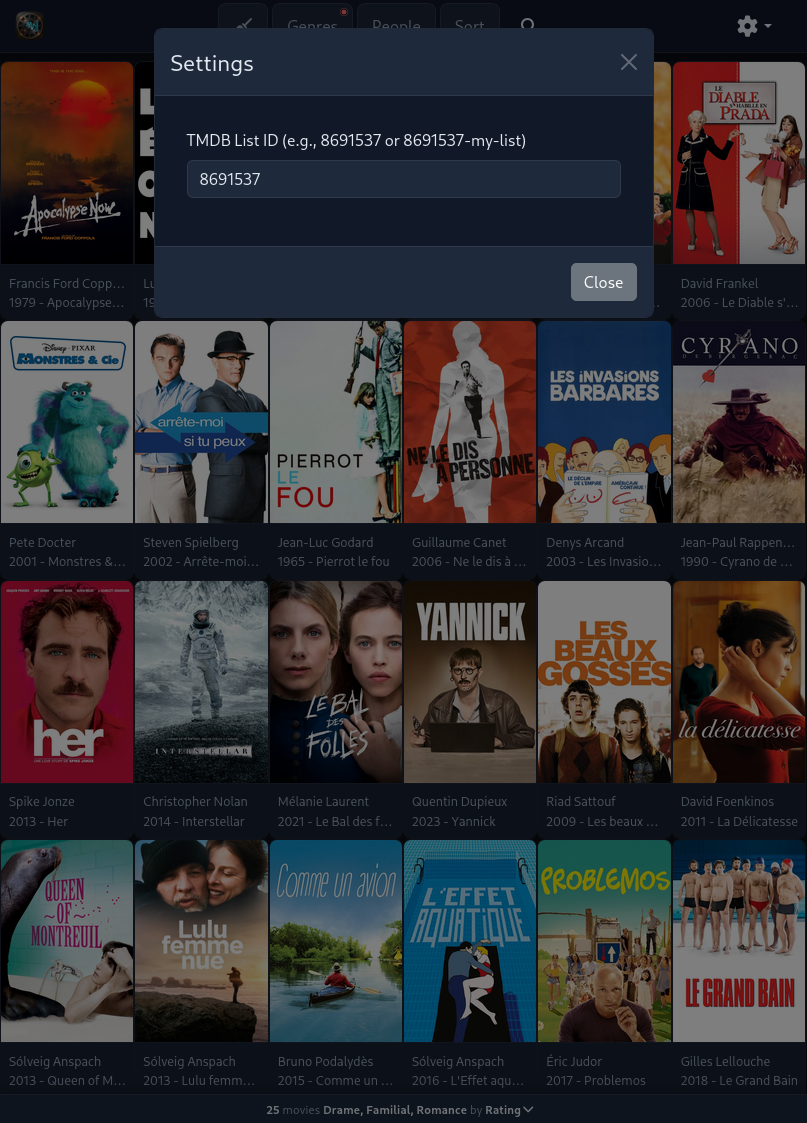
Version information, source links, and free software license.
Let TropoCine connect your movies with directors and actors!
| Genres | |
|---|---|
| Runtime | 154 min |
| Cast |
Modular components organized as independent NPM packages and data plugins.
Primary client application for movie collection browsing.
State management with Zustand, caching, and normalizers.
Reusable UI components.
The Movie Database API integration plugin.
Run TropoCine locally or with Docker, and deploy it behind an Apache/Nginx reverse proxy.